01 · Home
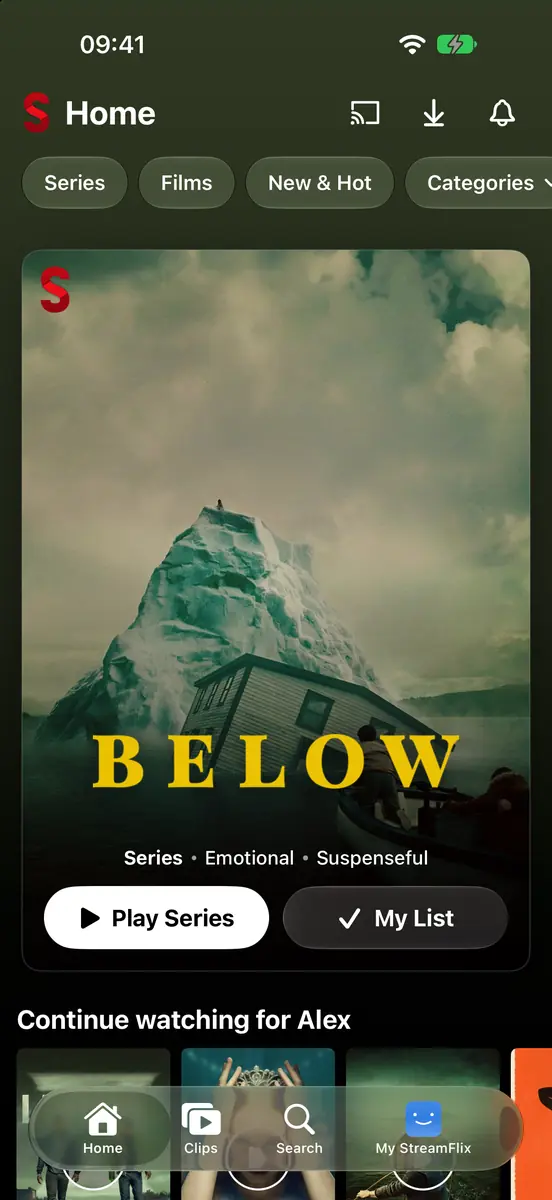
A Home that's yours.
A billboard for tonight, Continue Watching where you left off, Top 10 in your country, and rows picked for each profile. Tap the logo on any card to start it.
02 · Browse
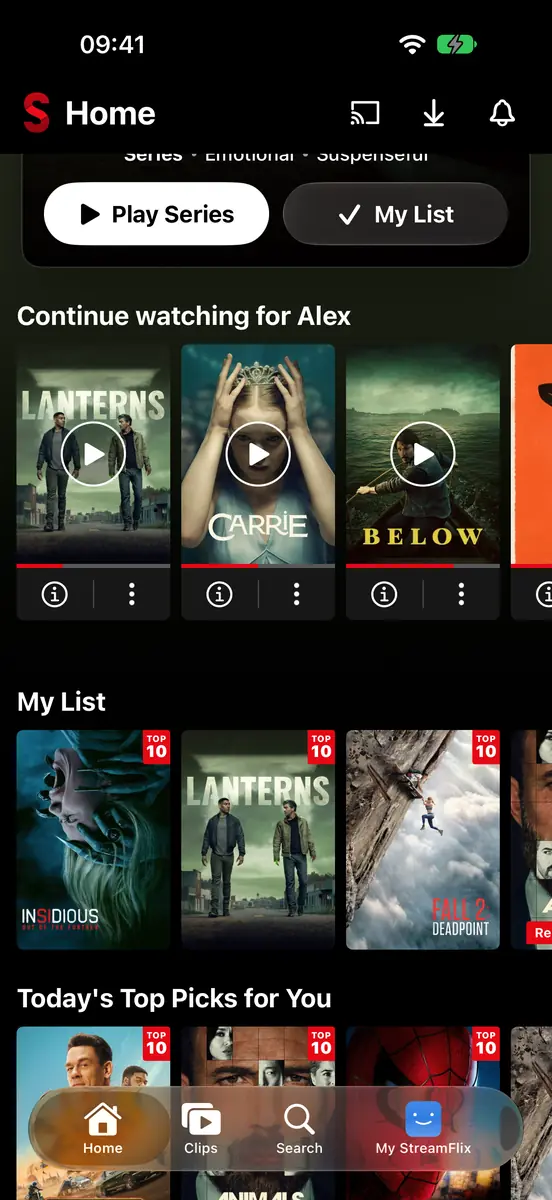
Rows that learn your taste.
My List, new arrivals, “Your Next Watch” and genres that lean towards what you love. Long-press a poster for a quick preview, My List and ratings.
03 · Title page
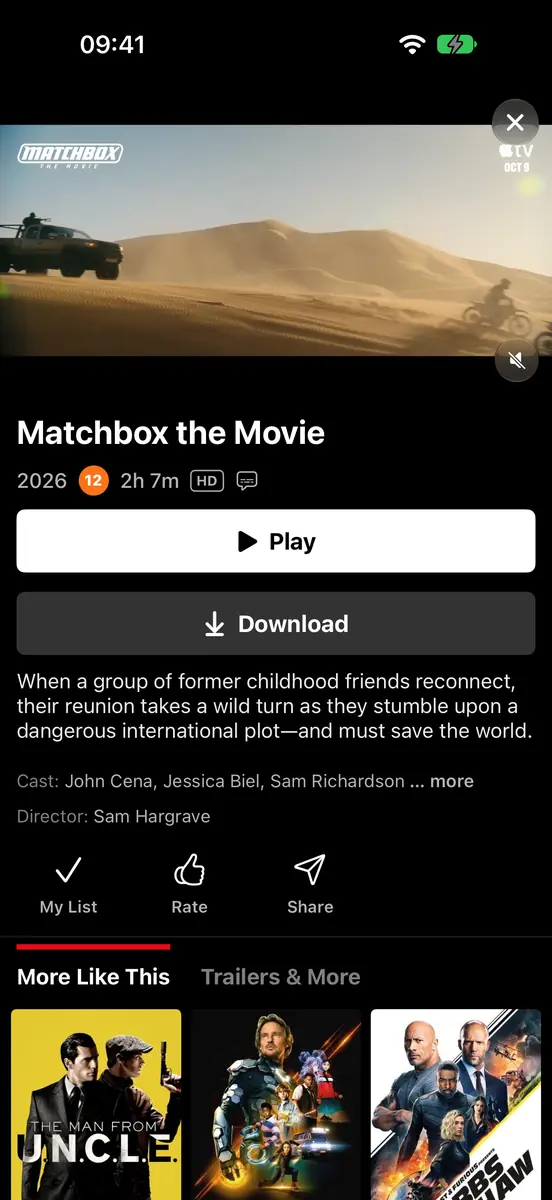
Everything about it, one tap away.
Trailer playing at the top, Play or Download, cast, every season and episode, More Like This, and Trailers & More. On tablets it opens as a centred card.
04 · Player
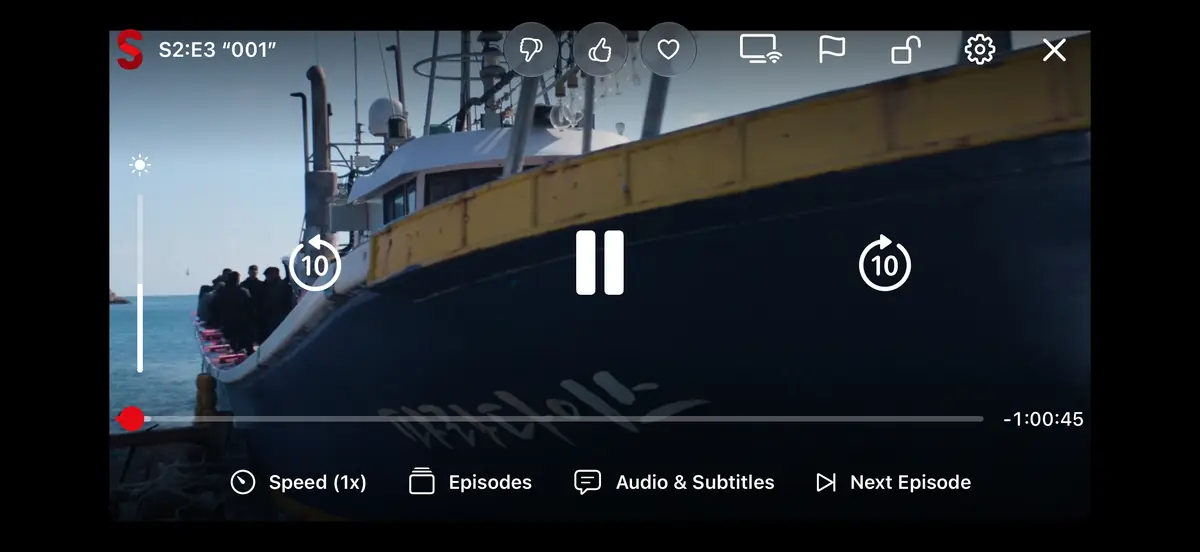
A player that feels like the TV.
Skip intros and recaps, hold to play at 2x, swipe for brightness, double-tap to jump 10 seconds, lock the screen, and picture in picture when you leave the app.
05 · Audio & subtitles
Every dub. Every subtitle.
Pick any audio track or anime dub, subtitles in dozens of languages, style them how you like, and let auto-sync line them up. Episodes slide in without leaving the player.
06 · Clips
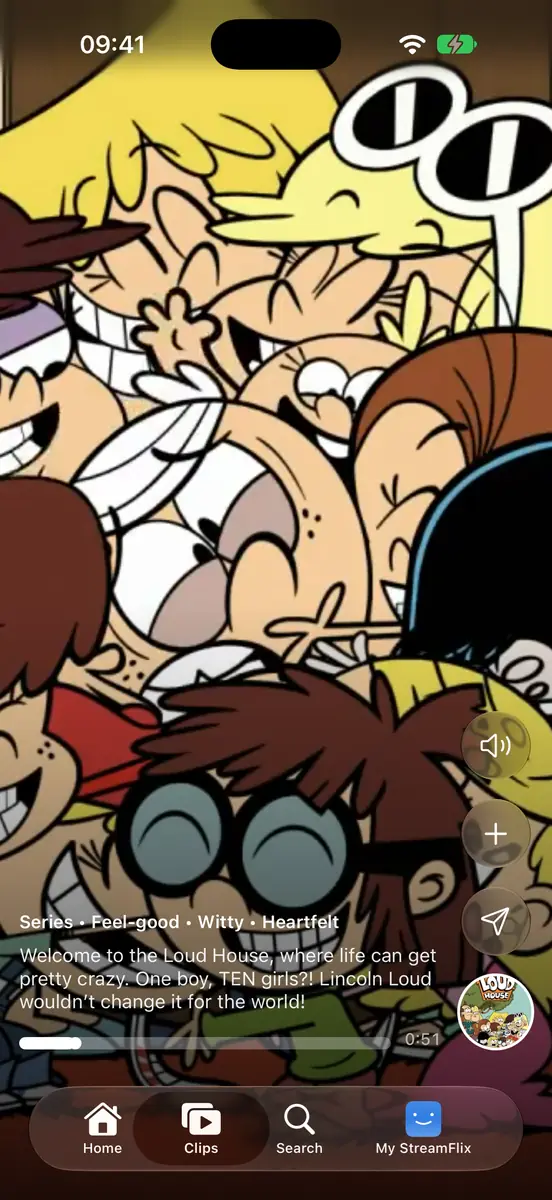
Swipe through trailers.
A full-screen feed of trailers. Add to My List, share, or tap the poster to open it.
07 · Search
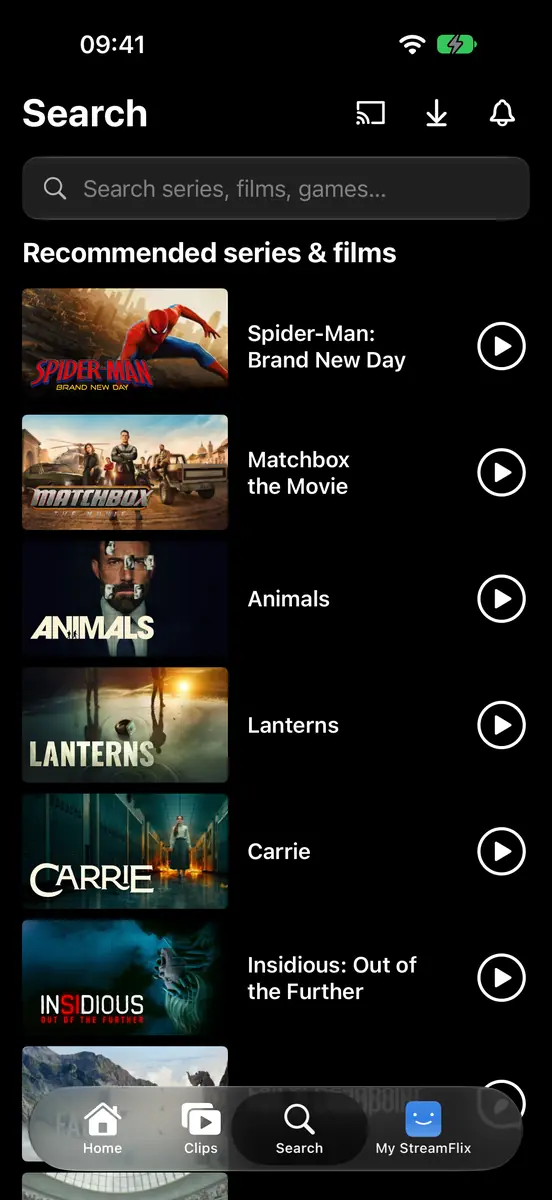
Find anything, fast.
Search series, films and people, or browse what's recommended for you while the box is empty.
08 · My StreamFlix
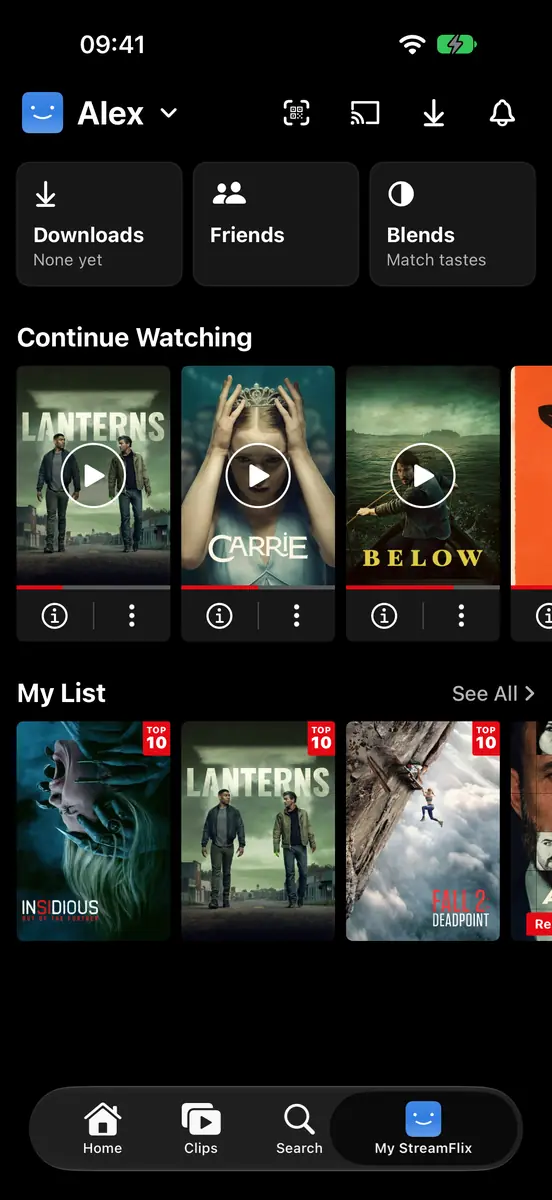
Your corner.
Downloads, friends and Blends, Continue Watching, My List, and the things you rated, all in one tab.
09 · Profiles
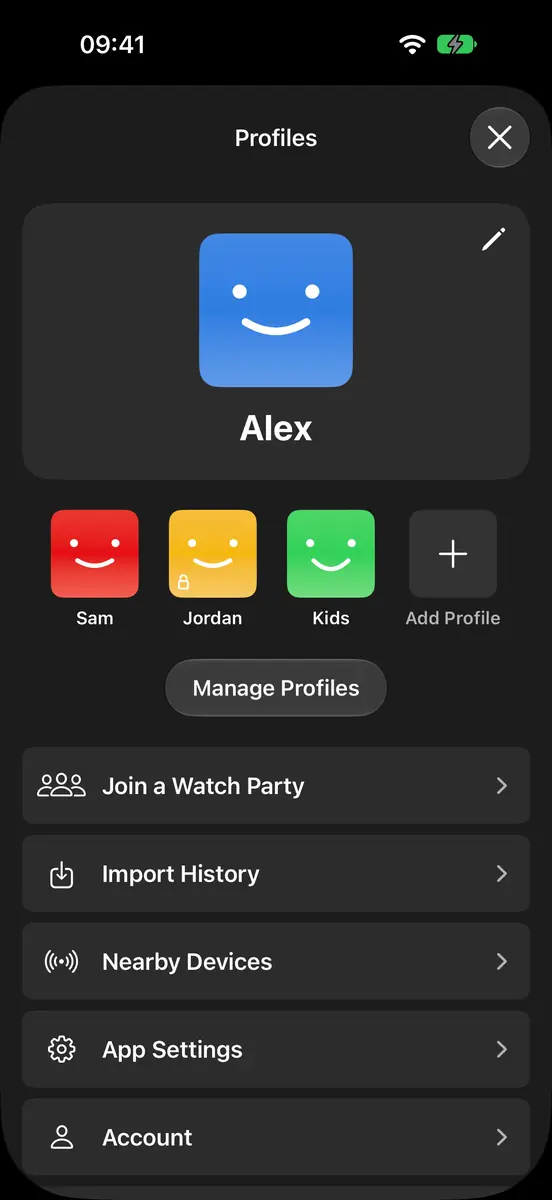
Five profiles, one account.
Each with its own list, history and recommendations. Lock one with a PIN, or make it a Kids profile.
10 · Downloads
Take it offline.
Download films and episodes and watch them on a plane, with their subtitles. StreamFlix opens straight to your downloads when there's no connection.
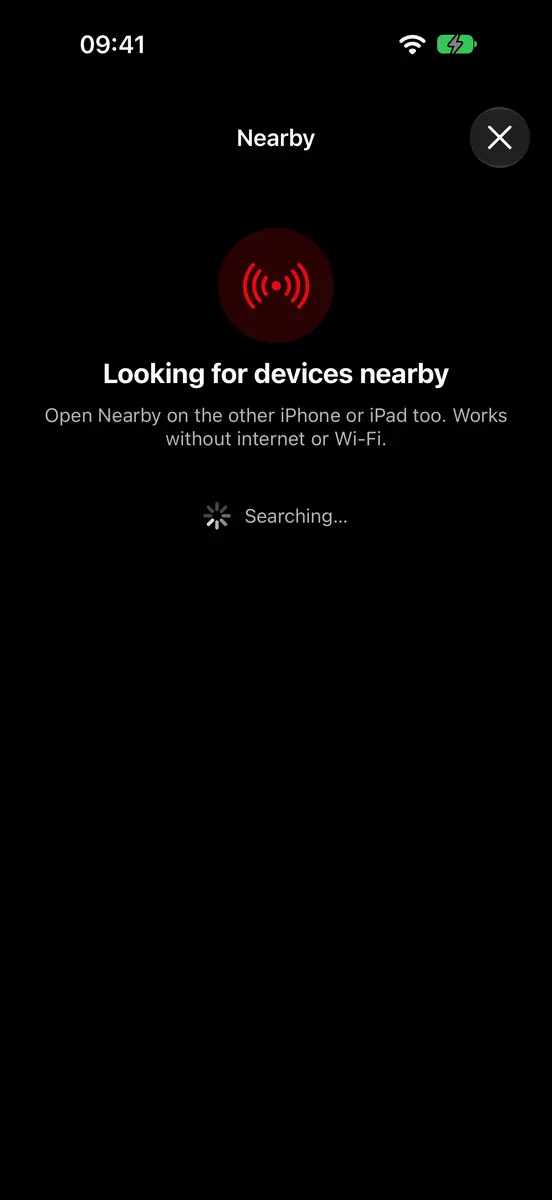
11 · Nearby
No internet? No problem.
Find another phone or tablet next to you with no Wi-Fi or router. Send it a download, use your phone as its remote, or watch the same download together, in step.
iPhone ↔ iPad, Android ↔ Android
12 · On the big screen
Send it to the TV.
AirPlay on iPhone and iPad. Chromecast and Miracast smart TVs on Android, where the TV gets the picture and your phone becomes the controls. Or play on another screen signed in to StreamFlix.